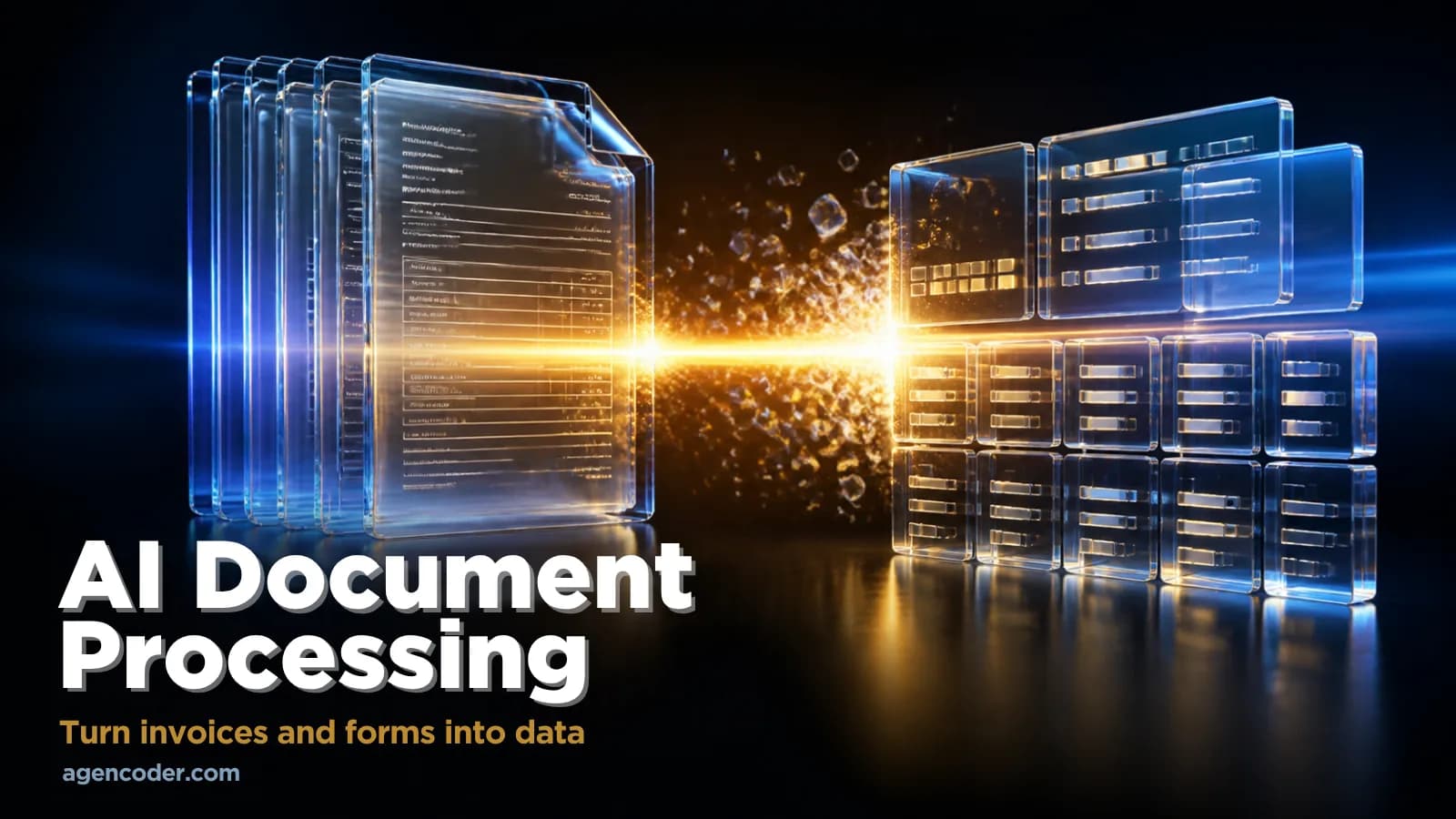
Many businesses still have someone opening PDFs, scanned forms and emailed invoices, then typing the details into accounting software, a CRM or a spreadsheet. It's slow, it's boring and it introduces errors. AI document processing automates most of that work while keeping a person in charge of the cases the system isn't sure about.
What it actually does
A document processing system takes a file, works out what kind of document it is, pulls out specific fields such as supplier name, invoice number, dates, line items and totals, checks them and sends them to the system that needs them. The output is structured data, not a summary.
The typical pipeline
- Intake: documents arrive by email, upload, scanner or API and are stored securely.
- Classification: the system identifies the document type, such as invoice, purchase order or application form.
- Extraction: text recognition reads the page, and layout-aware models or a language model pick out the fields you defined.
- Validation: rules check the results, for example that totals add up, dates are valid and the supplier exists in your records.
- Human review: fields with low confidence or failed checks go to a person in a simple review screen.
- Export: approved data is written to your accounting, ERP, CRM or database through an integration.
Where it pays off
- Accounts payable: supplier invoices and receipts.
- Operations: delivery notes, purchase orders and shipping documents.
- Onboarding: application forms, identity documents and contracts.
- Insurance and healthcare administration: claims and referral forms, with strict privacy controls.
It pays off most when documents arrive in volume, follow a broadly similar structure and feed a system that already exists. If you process a handful of documents a week, a simpler template or manual entry may still be the sensible choice.
Off-the-shelf, language models or custom?
Cloud services such as Google Document AI and Amazon Textract include pre-trained processors for common documents like invoices, receipts and identity documents, plus tools to train on your own layouts. Large language models are flexible with unusual or varied documents and can return structured output, but need careful prompting, validation and cost control. Many production systems combine both: a specialist extractor for standard fields and a language model for messier sections, with your own validation rules on top.
Measuring accuracy properly
Before you automate anything, collect a representative set of real documents, including poor scans and unusual layouts, and record the correct values for each field. Measure accuracy per field, not per document, because a perfect supplier name doesn't help if the total is wrong. Decide which fields can be auto-approved and which always need a person to check.
Aim for a system that knows when it's unsure. A process that sends a small share of documents to review and gets the rest right is far more valuable than one that is usually right and silently wrong the rest of the time.
Privacy and security
Documents often contain personal and financial information. Check where each provider processes and stores data, whether it is used to train models, how long it's retained and who can access the review screen. Frameworks such as NIST's AI Risk Management Framework are a useful checklist for documenting risks, testing and monitoring.
How to start
- Pick one high-volume document type with a clear owner.
- Define the fields you need and the system they go to.
- Build a test set from real documents and measure a pilot against it.
- Run the pilot alongside the current manual process before switching over.
- Expand to the next document type once accuracy and review volumes are stable.